
Download Fresh WebSuction – download website, offline browsing, web archiving, save web content, web crawler tool
Overview
Fresh WebSuction is a productivity-focused mobile application designed to empower users with the ability to download entire websites for offline access. Its core purpose is to enable seamless browsing and information retrieval without requiring a constant internet connection. This functionality is particularly valuable for researchers, students, travelers, and professionals who frequently work in low-connectivity environments. By capturing content such as text, images, and videos, the app serves as a reliable tool for preserving digital resources for later use.
The application is developed by WebSuction Inc., a company focused on digital archiving and content accessibility solutions. Although the developer did not provide additional technical details, the app’s long-standing presence in the market since its release on June 10, 2013, suggests a stable and tested foundation. Fresh WebSuction supports real-world use cases such as saving educational materials, archiving news articles, and preserving multimedia content for personal or professional reference. In the broader app ecosystem, it fills a niche for users seeking efficient, on-device web preservation tools, offering a lightweight alternative to browser-based downloaders or desktop software.
Key Features & Functionality
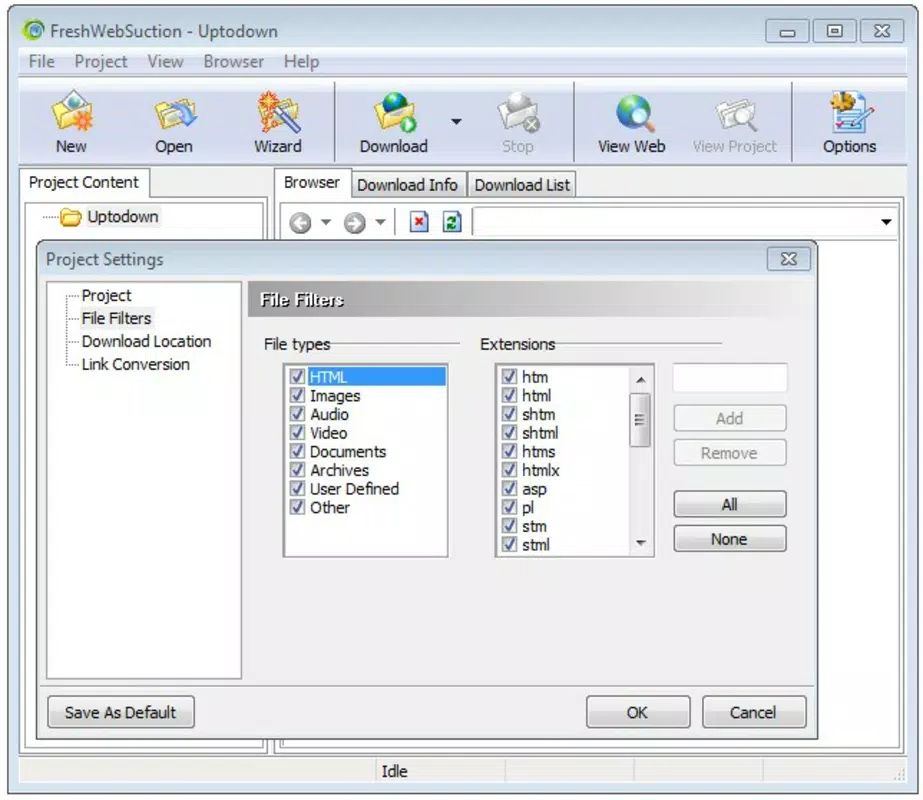
Fresh WebSuction delivers a suite of practical tools tailored to content archiving and offline access. The app’s standout feature is its customizable download options, allowing users to select specific content types—such as text, images, or videos—rather than downloading entire websites indiscriminately. This level of control helps conserve storage space and ensures users only retain relevant material. For example, a student researching a topic can download only articles and images from a site, avoiding unnecessary video files.
Offline access is another critical function. Once content is downloaded, it remains accessible within the app regardless of internet availability. This makes the tool ideal for use during commutes, flights, or in remote locations.
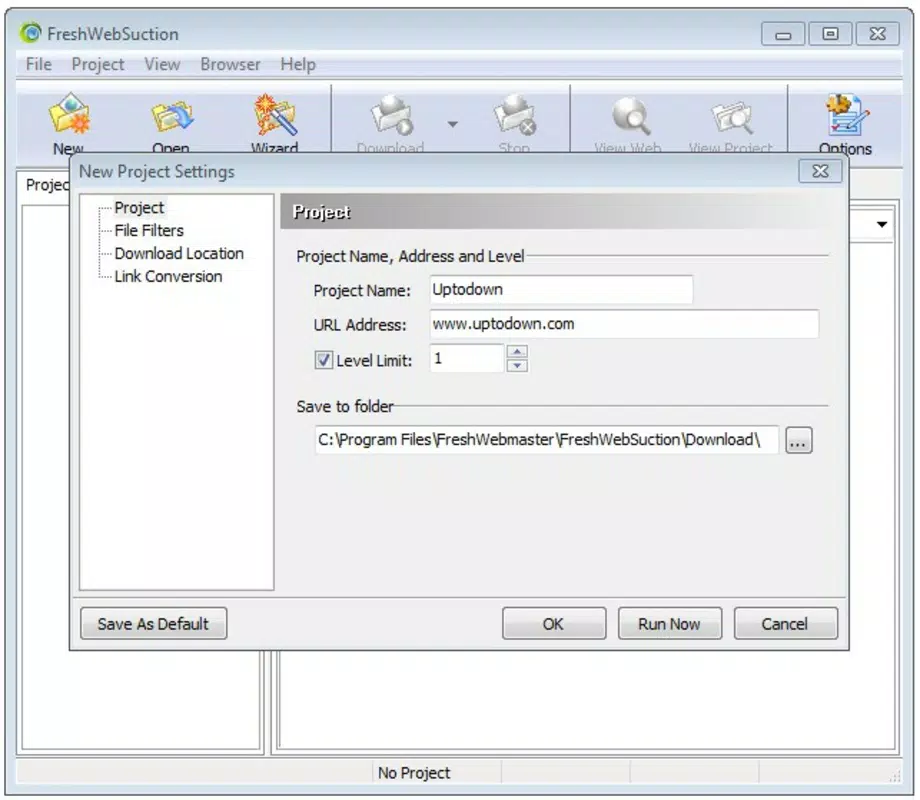
The user-friendly interface further enhances functionality by streamlining navigation and settings configuration. Users can quickly adjust preferences without technical expertise, improving usability across different experience levels. Additionally, the app’s comprehensive download capabilities allow for the creation of personal digital libraries, supporting long-term research projects or content curation.
These features collectively position Fresh WebSuction as a versatile utility for managing online content on mobile devices.
Feature List
- Customizable download options for text, images, and videos
- Support for full website or selective content downloads
- Offline access to downloaded web content
- Intuitive interface for easy navigation and settings
- Efficient content archiving for research and personal use
Interface, UX & Performance
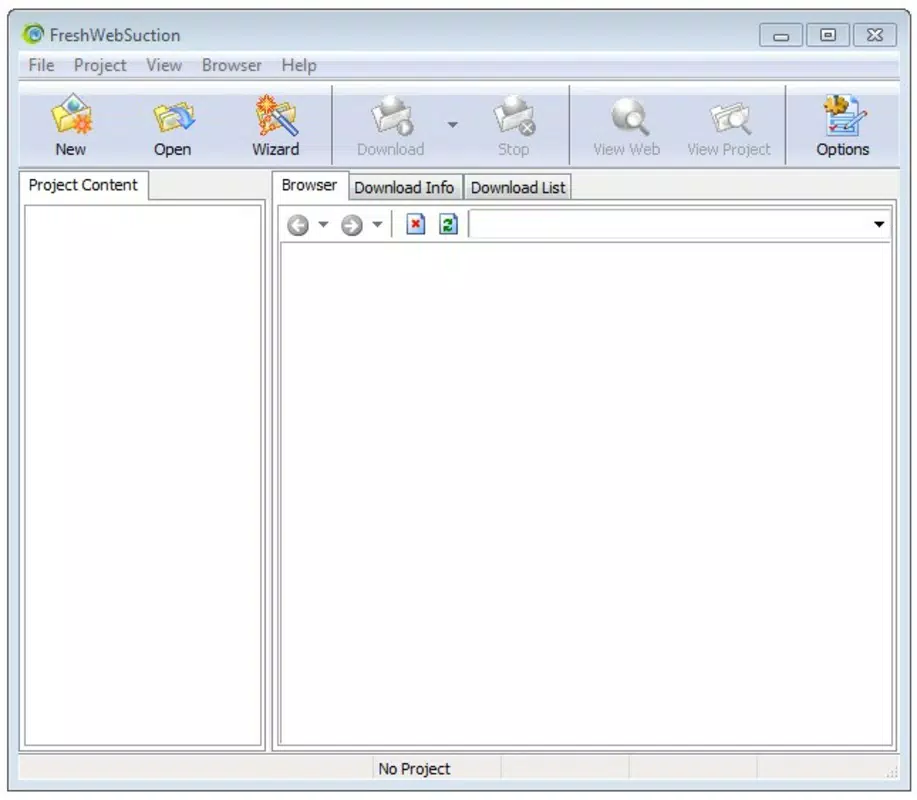
Fresh WebSuction features a clean, functional interface designed with usability in mind. The layout emphasizes accessibility, with clearly labeled menus and logical navigation paths. Users can quickly locate settings and initiate downloads without confusion. The visual style remains minimalistic, reducing distractions and focusing attention on core tasks. This approach supports both novice users and those familiar with content archiving tools.
Navigation is straightforward, with a consistent flow from initiating a download to accessing saved content. The app maintains responsiveness across various device categories, though the developer did not specify formal performance metrics. Although the developer did not list formal performance metrics, the app’s lightweight file size of 12.4 MB suggests optimized resource usage.
Stability appears reliable, given the app’s long-standing presence and consistent updates. Users can expect smooth operation on mid-range and higher-end Android devices, though performance on older models may vary. Overall, the user experience is efficient and purpose-driven, aligning with the app’s productivity-focused design.
Platform Compatibility & Technical Requirements
Fresh WebSuction is available exclusively on the Android platform. The current version is 2.3.0, with a file size of 12.4 MB. The app is free to download and install, making it accessible to a broad audience.
While the developer did not specify minimum OS requirements, the app’s release date in 2013 indicates compatibility with a wide range of Android versions. However, users should be cautious when installing on older devices, as compatibility with the latest Android releases may not be guaranteed. Specific requirements were not listed, so users are advised to ensure their device meets general Android standards for app installation.
The app’s lightweight footprint suggests it can run efficiently on devices with limited storage and processing power.
Pros and Cons
Pros
- Free to download and use
- Lightweight file size (12.4 MB)
- Customizable content selection for downloads
- Offline access to archived web content
- Intuitive interface suitable for all user levels
Cons
- Developer did not provide detailed system requirements
- Platform limited to Android only
- Version and update history not publicly documented
- Compatibility with modern Android versions not confirmed
- No mention of cloud sync or cross-device access
FAQ
Is Fresh WebSuction safe to install?
Yes, the app is free and available through official Android channels. As with any third-party application, users should ensure they download from trusted sources to maintain security.
Can I download entire websites with Fresh WebSuction?
Yes, the app supports downloading full websites or selected content types, such as text, images, or videos, depending on user preferences.
Does Fresh WebSuction work without an internet connection?
Yes, once content is downloaded, it can be accessed offline, making it ideal for use in areas with limited or no connectivity.
Is Fresh WebSuction available for iOS devices?
The developer did not indicate iOS availability. The app is currently only confirmed for Android.
How often is Fresh WebSuction updated?
The developer did not provide information on update frequency. Users should monitor official sources for the latest version.
Final Thoughts + CTA
Fresh WebSuction stands out as a practical, no-frills tool for users seeking to preserve online content for offline use. Its customizable download options, lightweight design, and reliable offline functionality make it a valuable asset for researchers, students, and professionals. While the app lacks modern features like cloud integration and cross-device sync, its core purpose is fulfilled with efficiency and simplicity.
The absence of in-app purchases and its free availability further enhance its appeal. For those needing a dependable way to archive web content on Android, Fresh WebSuction remains a solid choice. Download Fresh WebSuction now


